



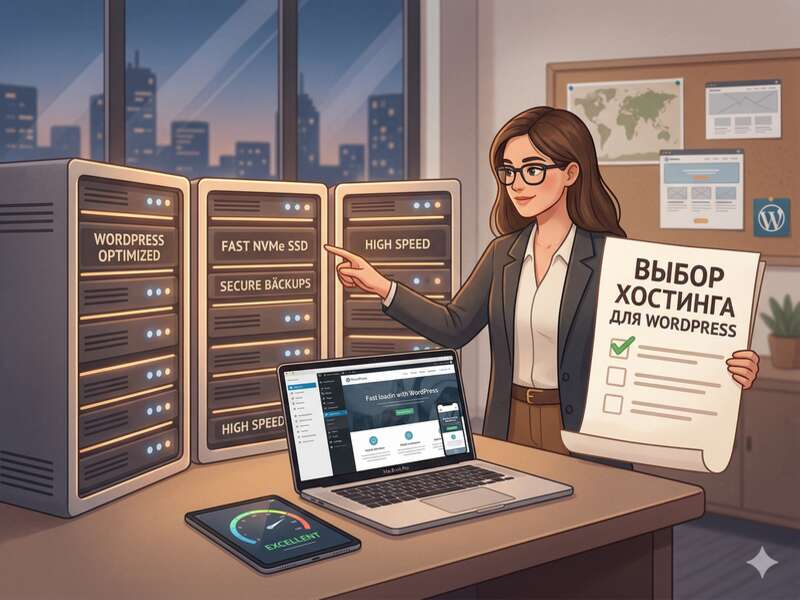
How to Choose WordPress Hosting in 2026: A Complete Guide to Avoid Overpaying and Suffering
Choosing a hosting provider is like choosing a foundation for a house. If it’s uneven, no matter how expensive the wallpaper (Elementor design or premium Divi template) you put up, the walls will crack. This is critical for WordPress: the engine is resource-hungry, requires a fast database, and requires a recent version of PHP.
In this article, we’ll explore how to choose a “home” for your website so it flies, doesn’t crash under load, and is worth the investment.
1. Why does WordPress require a special approach to hosting?
WordPress is a dynamic system. Every time a user visits a page, the server executes PHP scripts and makes dozens of queries to the MySQL database.
What does this affect:
-
Time to Failure Rate (TTFB): If the hosting server’s processor is weak, the site will “think” for 2-3 seconds before loading.
-
PHP Memory Limit: Heavy plugins like WooCommerce or WPML will simply crash if the memory limit is less than 256 MB.
-
Software version: WordPress runs best on PHP 8.1 and above. Older hosting providers often get stuck on 7.4, which slows down the site and creates security holes.
2. Hosting Types: From a Communal Apartment to a Private Mansion
Before looking at rates, you need to understand what type of infrastructure you need.
Shared Hosting
It’s a dorm. Hundreds of websites live on a single server and share its resources.
-
Suitable for: Small blogs, business cards, start-up projects.
-
Pros: Inexpensive, has a control panel (CPanel/ISPmanager), technical support does everything for you.
-
Cons: If a server neighbor decides to launch a spam campaign or receives a sudden influx of traffic, your site will begin to slow down.
VPS/VDS (Virtual Private Server)
This is your personal apartment in an apartment building. You have your own guaranteed resources (RAM, CPU).
-
Suitable for: Online stores on WooCommerce, corporate portals, websites with 500-1000 visitors per day.
-
Pros: Full control, high speed, stability.
-
Cons: You need to be able to administer Linux or pay for a control panel.
Cloud Hosting
Your site is distributed across a network of servers. If one node goes down, another one will pick up the slack.
-
Suitable for: Projects that are growing rapidly.
Managed WordPress Hosting
This is a VIP service. The servers are configured specifically for the WordPress architecture: caching (Object Cache) is enabled at the server level, attack protection is configured wp-login.php, and automatic updates are enabled.
3. Checklist of technical characteristics (Technical specifications for selection)
When viewing the pricing page, look for the following options:
-
Drive type: NVMe only . They are several times faster than regular SSDs, which is critical for the WordPress database.
-
RAM: For WP, the minimum is 1 GB; for comfortable operation, 2–4 GB.
-
PHP Memory Limit: Check that the settings allow you to set 512M or at least 256M .
-
HTTP/3 (QUIC) protocol support: This is a 2026 standard that speeds up the loading of media content.
-
Free SSL (Let’s Encrypt): Certificate installation should be a one-click process.
4. Server location: Where should the website be located?
Golden rule: The server should be as close as possible to your target audience.
-
If your clients are in Germany, choose hosting with a data center in Frankfurt.
-
If in the USA – Virginia or Oregon.
- If your business is focused on clients from Ukraine, then get a server in Kyiv.
-
If your audience is distributed worldwide, use a CDN (Cloudflare), but still place the main server where the brand’s most ardent fans are.
Distance is ping. The higher the ping, the longer the user waits for the first byte of data.
5. Safety: What is often forgotten
WordPress is the most popular CMS in the world, meaning it’s the most frequently attacked. A good hosting provider should have:
-
Account isolation: To prevent a virus from a neighboring site from spreading to yours.
-
WAF (Web Application Firewall): Automatic blocking of SQL injections and brute-force attacks (password guessing).
-
Daily backups: At least for the last 7–14 days. Backups should be stored on a different physical server.
6. How to avoid falling for marketing ploys
-
“Unlimited disk”: It doesn’t exist. The fine print in the Terms of Service will list a file (Inodes) limit.
-
Low first-year price: Hosting companies often offer an 80% discount, but renewing after one year is incredibly expensive. Always check renewal prices .
-
Free domain: Often, they’re only given out for a year, and then they charge double the market price. It’s better to buy a domain from a separate registrar.
7. Step-by-step selection algorithm
-
Set a budget. If it’s a business website, don’t look for hosting for $1. A reasonable starting price is $5-10 per month.
-
Check out tech support. Contact them in the chat at 2 a.m. If they respond within 5 minutes and are to the point, that’s your call.
-
Check your control panel. If you’re not a system administrator, look for FastPanel, cPanel, or MyKinsta . Avoid interfaces that are too custom or clunky.
-
Trial period. A reputable hosting provider offers a 7-30 day trial period. Transfer a copy of your website and measure its speed using Google PageSpeed Insights.
8. Results
Choosing WordPress hosting in 2026 comes down to finding a balance between the speed of NVMe drives and the adequacy of customer support.
-
For a blog – high-quality virtual hosting.
-
For the store – VPS or Managed WP.
-
For highload projects – Cloud solutions.
Remember: you can always change hosting, but it’s better to build on a solid foundation from the start. If you’re having trouble migrating, many providers will do it for free.
Developer Tip (Bonus)
Before purchasing, check the hosting company’s rating on independent sites (such as Trustpilot or specialized forums). Don’t just look at the “5 stars” rating, but rather at how the company responds to negative reviews. This is the best indicator of their customer focus.